
7 XML Sitemap Mistakes That Can Waste Google's Time
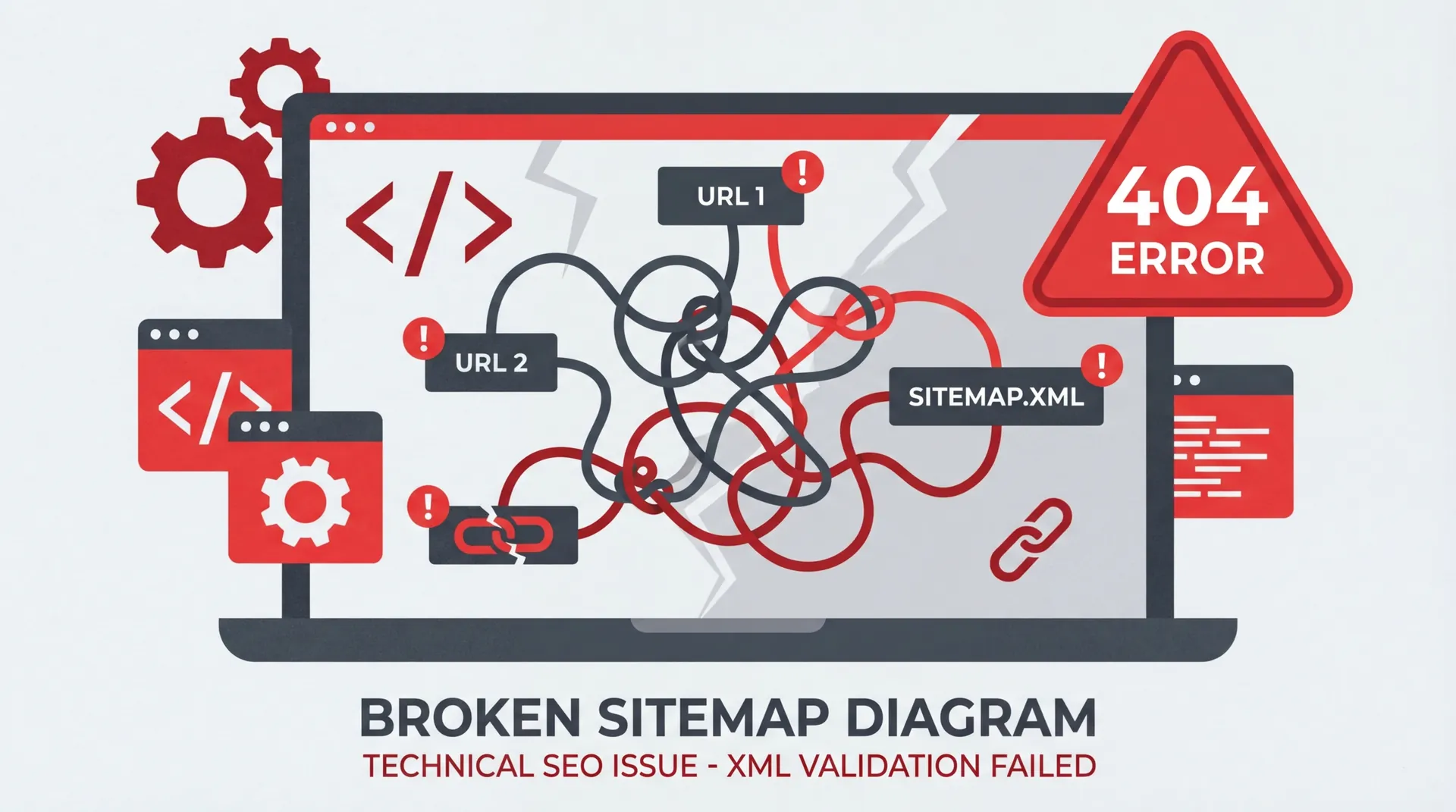
An XML sitemap helps Google discover the canonical URLs you want indexed. It does not guarantee indexing, replace internal links or repair a weak page.
The most useful sitemap audit is not based on an invented error rate. It checks the file against Google's documented requirements and the site's real canonical URLs.
1. Invalid XML or sitemap syntax
A URL sitemap must use the sitemap protocol and its namespace:
<?xml version="1.0" encoding="UTF-8"?>
<urlset xmlns="http://www.sitemaps.org/schemas/sitemap/0.9">
  <url>
    <loc>https://example.com/</loc>
  </url>
</urlset>
Escape special characters correctly, save the file as UTF-8 and ensure every <url> contains a valid <loc>.
Validate the XML and check Search Console for parsing errors. An xsi:schemaLocation attribute is optional; the protocol namespace is the important part.
2. Listing redirects or error pages
Include the final canonical URL, not a redirect, 404, soft 404 or server-error response.
A sitemap should reflect the current site. If a URL permanently redirects, replace it with the destination. If a page is intentionally removed, remove it from the sitemap.
3. Mixing host and protocol variants
Keep the sitemap on the verified site and list the canonical HTTPS host consistently. Do not mix:
httpandhttps.wwwand non-www.- trailing-slash and non-trailing-slash variants when the site redirects one form.
Google can follow redirects, but a clean sitemap should not make it resolve the intended version for every entry.
4. Using false lastmod dates
Google says <lastmod> should reflect the last significant modification to the page. It can use the value when it is consistently accurate.
Do not set every page to the build date if the page content did not change. If the site cannot track meaningful modification dates, omit the field rather than publish false freshness.
Use a valid W3C date or date-time value, such as 2026-08-16.
5. Listing URLs that disagree with canonicals
A sitemap is a canonical signal. Every <loc> should match the page's intended canonical URL.
Check parameters, case, host, protocol and trailing slash. Conflicting signals can make diagnosis harder even when Google eventually chooses the correct URL.
6. Ignoring sitemap limits
A single sitemap is limited to 50,000 URLs or 50 MB uncompressed, whichever limit is reached first. Larger sites should split URLs into multiple files and list them in a sitemap index.
Keep all referenced files accessible and monitor each one separately in Search Console.
7. Publishing the file but never monitoring it
Google documents several submission methods, including:
- Submit it in Search Console.
- Add a
Sitemap:line torobots.txt. - Use the Search Console API.
Google has deprecated the old anonymous sitemap ping endpoint, so do not rely on guides that still recommend it.
After submission, check the last-read date, discovered URL count and processing errors. Then inspect representative URLs separately; a successful sitemap status does not mean every page is indexed.
What should be included
Include canonical URLs that are valuable and intended for search. Exclude internal search results, account pages, duplicate filters, redirects, errors and URLs marked noindex.
Small sites may not need a sitemap if all pages are well linked, but Google says sitemaps are particularly useful for large sites, new sites, rich-media sites and sites with pages that are not well connected internally.
A quick audit
- Fetch the sitemap and confirm it returns
200 OK. - Parse it as XML.
- Crawl every listed URL and record status and canonical.
- Compare the list with all indexable site routes.
- Validate only genuine
lastmodvalues. - Confirm
robots.txtreferences the preferred sitemap. - Review processing and indexing data in Search Console.
For a technical crawl that compares your sitemap, redirects and canonical tags, request a free SEO audit.
Sources
Ready to Boost Your Online Presence?
Get a free SEO audit for your Malta business and discover opportunities to rank higher on Google.
Get Your Free SEO Audit